Example 1
Input video
Product image
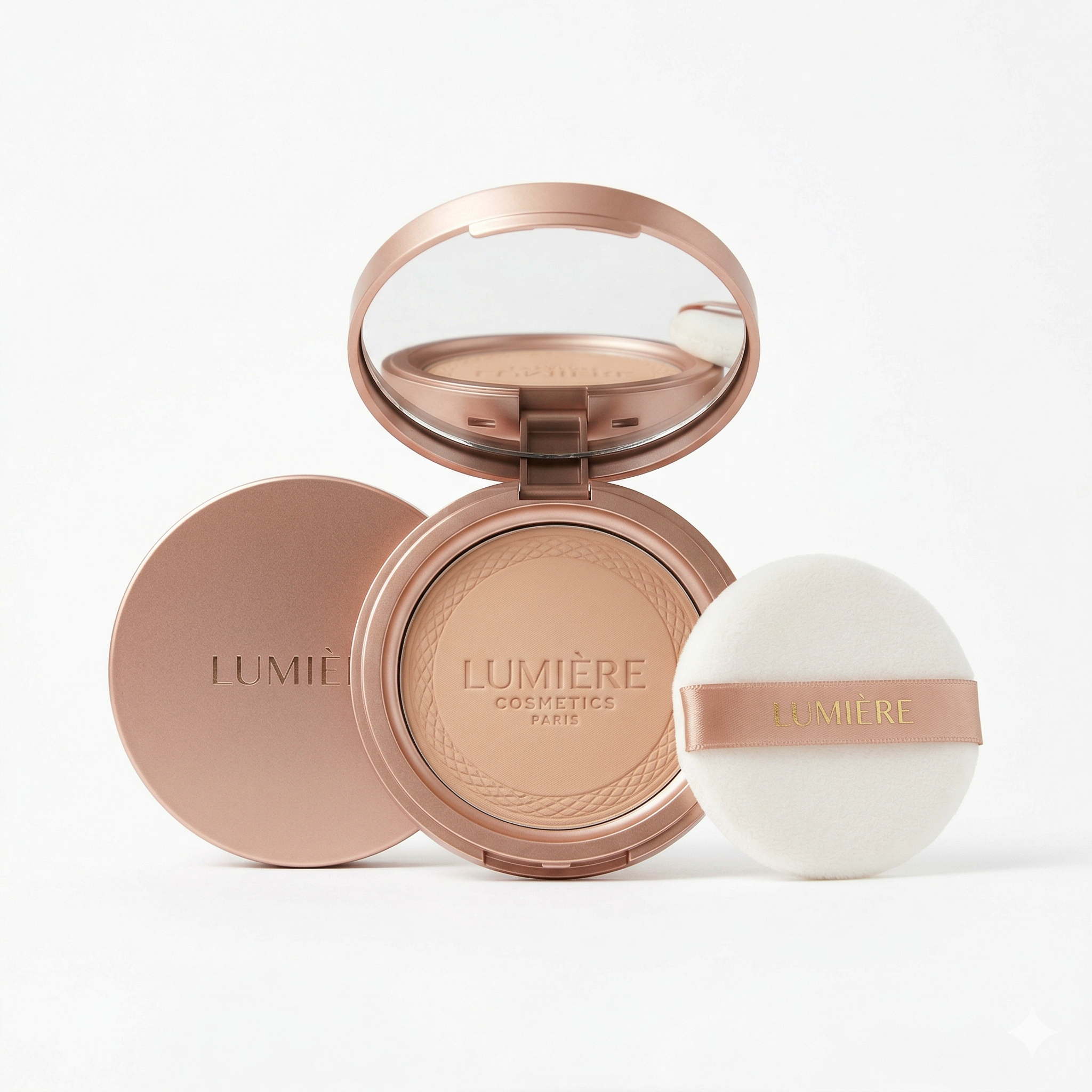
Output video
Upload product images, choose a TikTok video style, generate an editable prompt, and render a new TikTok product video. Add a reference video only when you want to guide pacing, camera rhythm, or text timing.
TikTok product video
Product images drive identity. A reference video is optional and only guides style, timing, and camera rhythm.
01
Upload product
02
Edit prompt
03
Generate video
Generate a Seedance prompt, edit it, then render the clip.
Prompt creation costs 2 credits. Generation estimate: 129 credits.
No video yet
Add product images, create the prompt, then generate. Polling progress and the rendered video will appear here.
Examples
Each example shows the uploaded reference video, the new product image, and the generated video result.
Input video
Product image
Output video
Input video
Product image
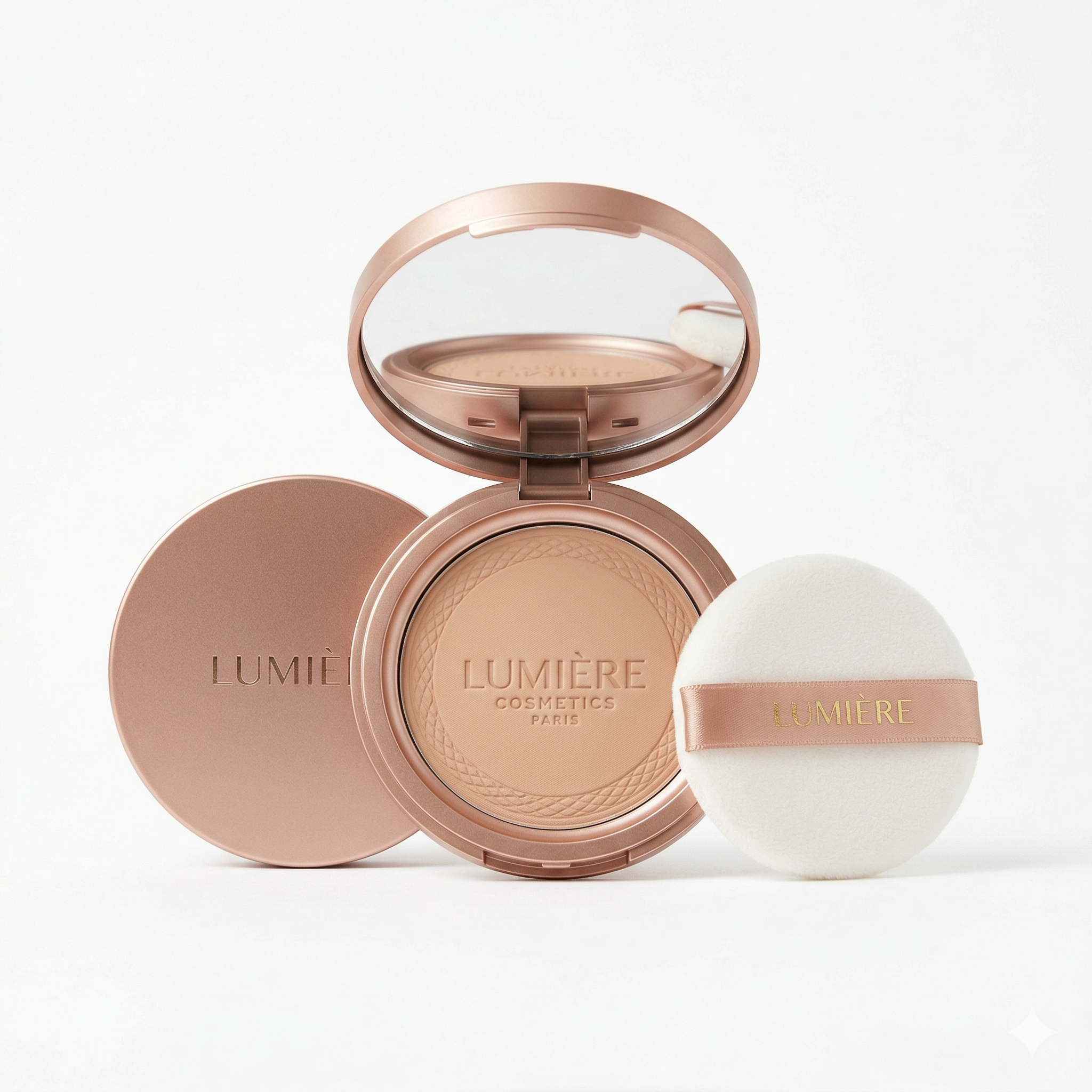
Output video
Product images in, editable TikTok product video prompt out
A TikTok product video usually wins because of structure: the first hook, the product reveal, the demo, the proof moment, the caption rhythm, and the final CTA. This TikTok product video generator starts from your product images and a selected short-form style instead of a blank prompt. Add an optional reference video when you want to borrow camera rhythm, pacing, or text timing. The result is an editable prompt that turns product images into a TikTok product video plan before generation.
Turn product images into a TikTok product video prompt with a hook, product reveal, demo beat, proof moment, and CTA flow.
Use 1-9 product images as the visual source of truth. Optional reference video only guides style, pacing, and camera rhythm.
Review the generated prompt before rendering, so the TikTok product video follows the intended product story.
Keep each TikTok product video tight for short-form feeds with focused 10-second or 15-second output.
The prompt uses model-friendly aliases such as @Image1 and optional @Video1 instead of exposing raw media URLs.
Turn one strong TikTok product video idea into multiple product-specific variants without rebuilding the script every time.
A TikTok product video should be anchored to the product first.
A useful TikTok product video is not just a pretty clip. It has a hook, product reveal, demo, proof moment, desire beat, and CTA. This workflow starts from your product images, selects a TikTok product video style, then creates a prompt that keeps the video focused on the product instead of drifting into a generic montage.
Your images define the product while the selected style defines the format.
Upload product photos to anchor the generated TikTok product video. The product images provide shape, color, texture, packaging, visible logo, and accessories. The selected style supplies the story rhythm; an optional reference TikTok product video can guide pacing and camera language.

The prompt is a control surface, not hidden automation.
After analysis, the page shows the exact generation prompt for your TikTok product video. You can tighten the caption, adjust a product action, remove a weak beat, or make the CTA more direct before sending the job to video generation. This keeps the TikTok product video workflow fast without making it a black box.
This page is shaped around short-form selling mechanics, not open-ended video art.
Use it when you want to test a product angle, remake a product demo format, or create a new variant from an existing TikTok-style ad. The workflow is intentionally simple: upload media, generate and edit the prompt, then render the TikTok product video.
Use this TikTok product video workflow when you have product images and want a faster way to create a product-specific short video.
| Workflow | TikTok product video workflow | Blank video prompt | Manual editing |
|---|---|---|---|
| Starting point | Product images plus optional style reference | Written prompt only | Footage, script, editor, and manual cuts |
| Best for | TikTok product video variants built from product images | Open-ended creative clips | High-control brand edits |
| Script structure | Generated from the selected TikTok product video style | Invented by the model | Written manually |
| Product accuracy | Anchored by uploaded product images | Depends on prompt detail | Depends on available footage |
| Iteration speed | Prompt edit, then regenerate | Fast but less structured | Slowest |
| Main risk | Weak product images create a weak TikTok product video plan | Output misses the selling flow | Production time and cost |
Three steps: upload product images, edit the prompt, generate the TikTok product video
Add 1-9 images that show the product shape, texture, packaging, accessories, and visible branding.
Select a TikTok product video format such as ASMR prep, UGC review, unboxing, problem-solution, story overlay, or before-after.
Generate the editable prompt, then review the beat mapping, captions, product actions, and CTA before creating the TikTok product video.
Render the new TikTok product video, watch the result, then adjust the prompt if you want a tighter hook, clearer demo, or stronger CTA.
Use these tools when you need a different generation workflow

Upload a reference product ad and remake it with your own product images for a new TikTok product video.
Generate short videos with ByteDance Seedance 2.0 models and reference media for TikTok product video ideas.

Animate a product image when you do not have a TikTok product video reference.
Answers for turning a reference product video into a new TikTok product video
Upload product images, choose a short-form style, edit the generated prompt, and render a new TikTok product video.