Example 1
Input video
Product image
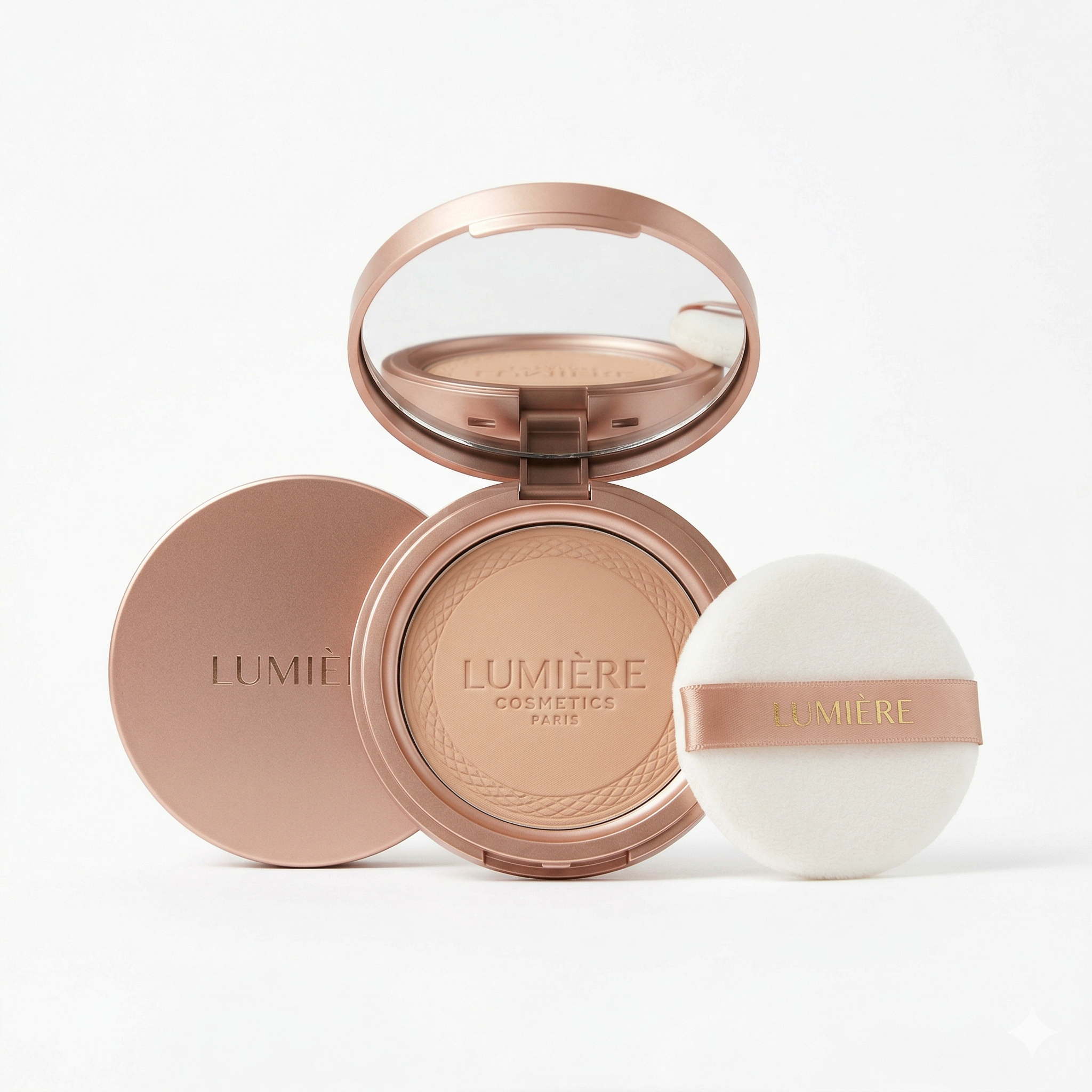
Output video
Viral Remake lets you upload a short reference video, add product images, create an editable prompt, and generate a new ecommerce video. The Viral Remake workflow keeps the original hook, beat order, camera rhythm, and selling flow.
Examples
Each example shows the uploaded reference video, the new product image, and the generated video result.
Input video
Product image
Output video
Input video
Product image
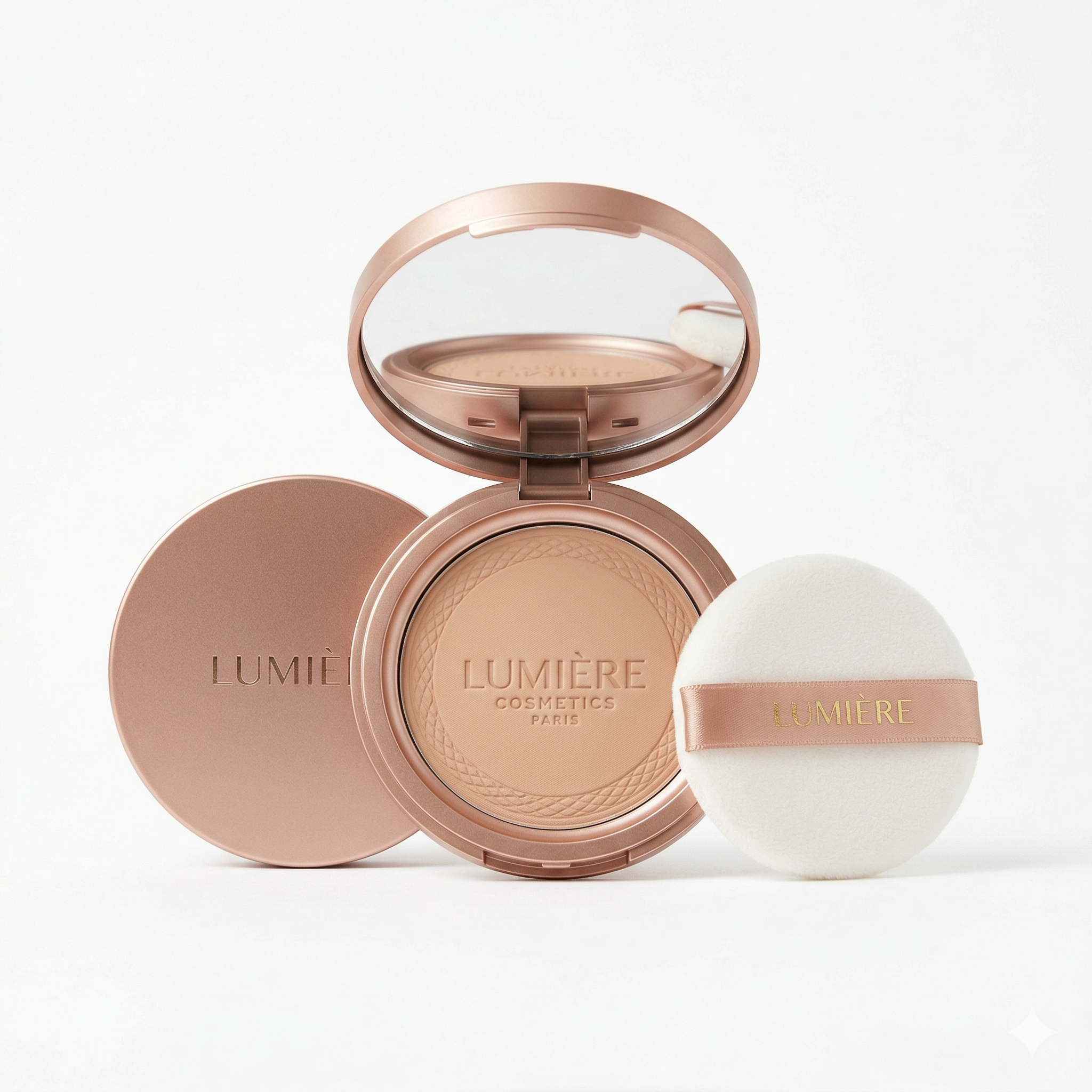
Output video
Viral Remake reference ad in, new product ad out
Viral Remake is an AI video workflow for ecommerce marketers who already know a short ad format works. Instead of starting from a blank prompt, you upload a reference product ad and product images. Viral Remake analyzes the reference video for the hook, beat order, shot timing, camera language, composition, captions, and selling logic, then writes an editable prompt for a new video that features your product. With Viral Remake, the goal is not to copy the original content; it is to transfer the ad structure to a new product so TikTok Shop sellers, dropshippers, and creative teams can test more product video angles faster.
Use the source video for pacing, shot order, camera movement, caption rhythm, demo flow, and call to action structure.
Upload product images so the generated ad uses your product shape, color, texture, packaging, and visible branding.
Review the generated prompt before spending video credits. Tighten the angle, change captions, or adjust the product beat.
Keep the proven sequence: hook, reveal, demo, proof, desire, and CTA, instead of asking a model to invent a new ad from scratch.
The prompt uses clear media references like @Video1 and @Image1, matching reference-to-video model workflows.
Turn one winning ad idea into multiple product-specific variants without rebuilding the script in a video editor.
A good Viral Remake starts with the original video story, not the product photo.
Viral Remake reads the reference video as an ad: what opens the hook, how the product appears, where the proof happens, how the camera moves, and when the CTA arrives. That structure becomes the backbone of the generated prompt, so the new video follows the same selling logic instead of drifting into a generic product montage.
Your uploaded images define the new product, not the reference ad.
Use 1-9 images to lock the product shape, color, texture, visible packaging, included accessories, and branding. The reference video supplies the story and rhythm. The product images supply what should appear in the new ad. This separation is what makes product replacement predictable.


The Viral Remake prompt is visible because ecommerce teams need control before generation.
After analysis, you get the exact prompt that will be sent to generation. Keep it as-is for speed, or adjust the caption language, CTA, product action, shot wording, or emphasis. This keeps the workflow simple for beginners while still giving operators enough control to tune the final result.
The output is framed around hooks, demos, proof, and conversion moments.
Most video generators are designed for open-ended clips. Viral Remake is shaped around ecommerce ad mechanics: short duration, vertical framing, product-first beats, fast captions, demo logic, and a final call to action. It is useful when your team wants ad variants, not abstract video art.
Use Viral Remake when you already have a reference ad format and want to transfer that structure to a new product.
| Workflow | Viral Remake | Generic video generation | Manual editing |
|---|---|---|---|
| Starting point | Viral Remake reference ad + product images | Text prompt or one image | Raw footage, editor, and script |
| Best for | Viral Remake product ad variants that keep a proven hook | Open-ended creative clips | Polished brand campaigns with full control |
| Script structure | Viral Remake structure taken from the reference video | Invented by the model | Written and edited manually |
| Product accuracy | Anchored by uploaded product images | Depends on prompt detail | Depends on shoot assets |
| Iteration speed | Fast prompt edit, then regenerate | Fast but less structured | Slowest, but most controllable |
| Main risk | Weak reference video produces weak structure | Output may miss the ad logic | Time and production cost |
Three Viral Remake inputs, one editable prompt, then a generated video
Use a product video under 16 seconds. Pick a clip with a clear hook, visible demo, and obvious selling flow.
Upload 1-9 images of the product you want in the new video. Include packaging, texture, and important angles when possible.
Generate the prompt, then review the timeline, captions, product actions, and CTA before spending generation credits.
Render the product video, review the output, then adjust the prompt if the hook, product action, or CTA needs a tighter variant.
Use these when you need a different input style or model workflow
Practical Viral Remake answers for TikTok ecommerce video generation
Upload a reference ad, add product images, edit the generated Viral Remake prompt, and render a TikTok-ready product video from the same workflow.


